Next webinar | Ditch the Spreadsheets: Bring Everyone Together and Streamline Your Activities!
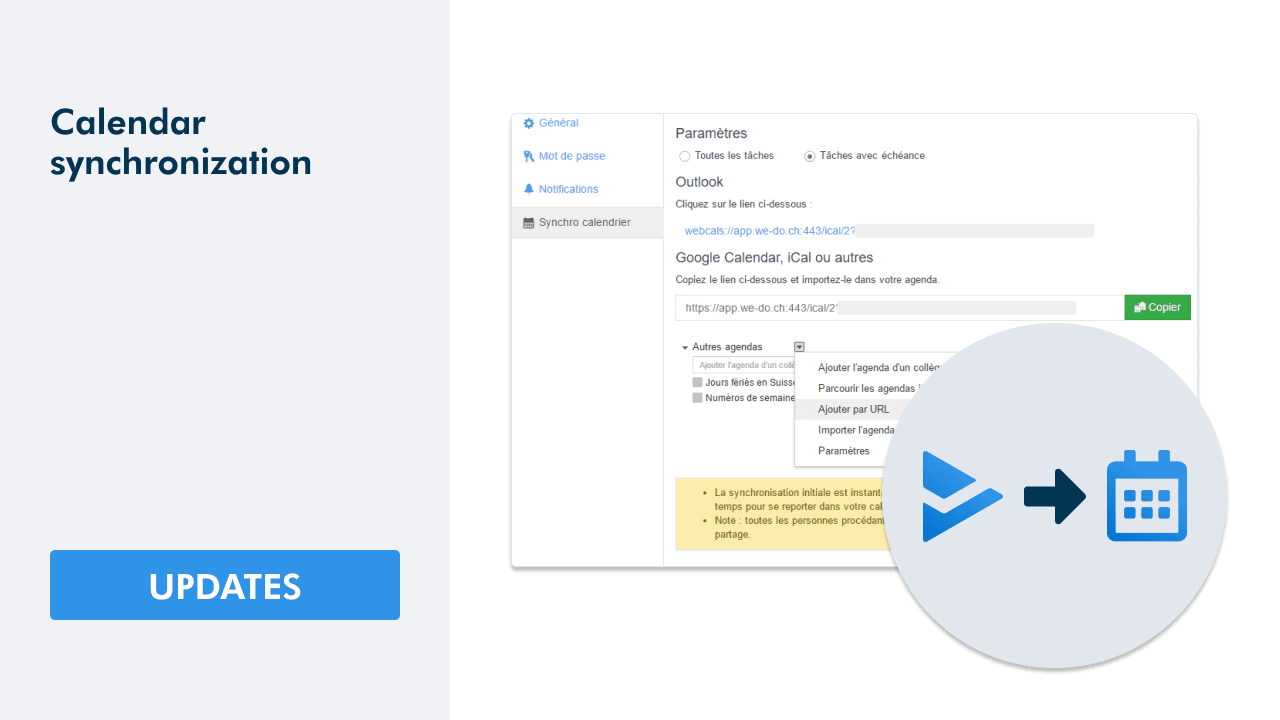
With the new version coming online today, WEDO allows you to synchronize your tasks with a deadline with Outlook, Gmail and iCal calendars, as well as all other calendars.
Two synchronization modes are possible:
- Synchronization of all your tasks
- Synchronization of your tasks by subject
Synchronization of all your tasks
To synchronize all your tasks with your calendar, go to your Profile > Settings > Calendar Sync tab.
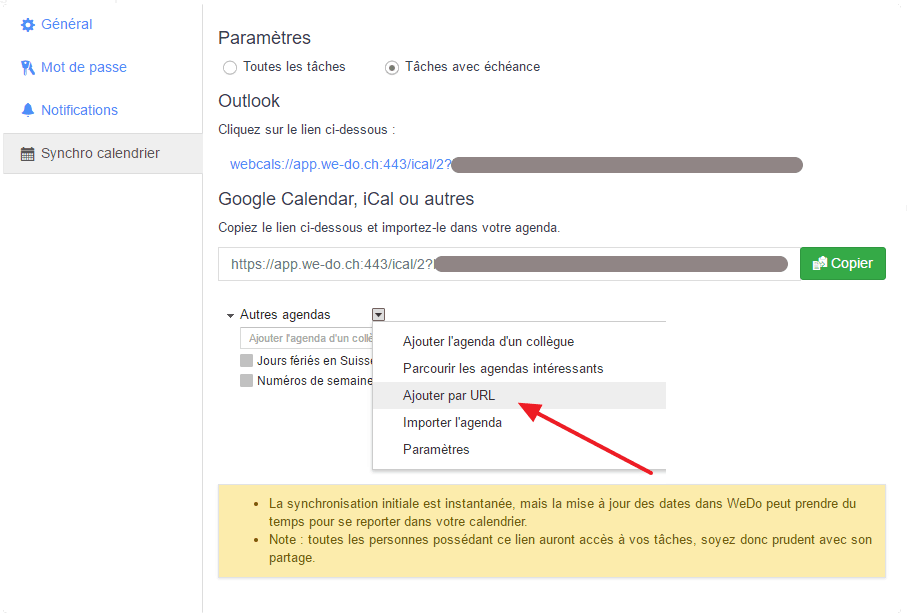
If you work with Outlook, click on the “webcals” link. For other calendars, you can copy the link suggested under the Google Calendar title and add it according to the explanation provided by WEDO.
Synchronization of tasks by subject
To synchronize tasks by subject, go to the desired subject. Then select Calendar Sync. Follow the same procedure as explained above.
Conclusion
Thanks to the calendar synchronization, you will not miss any deadline. Feel free to request a trial period if you wish to be part of the adventure. WEDO offers a free trial period for a team for 14 days.


Struggling to Stay Organized?
WEDO is here to help. Start your free trial now and simplify your work processes! You'll get full access to all features and add-ons for 14 days – invite your team to test it with you!