Next webinar | Ditch the Spreadsheets: Bring Everyone Together and Streamline Your Activities!
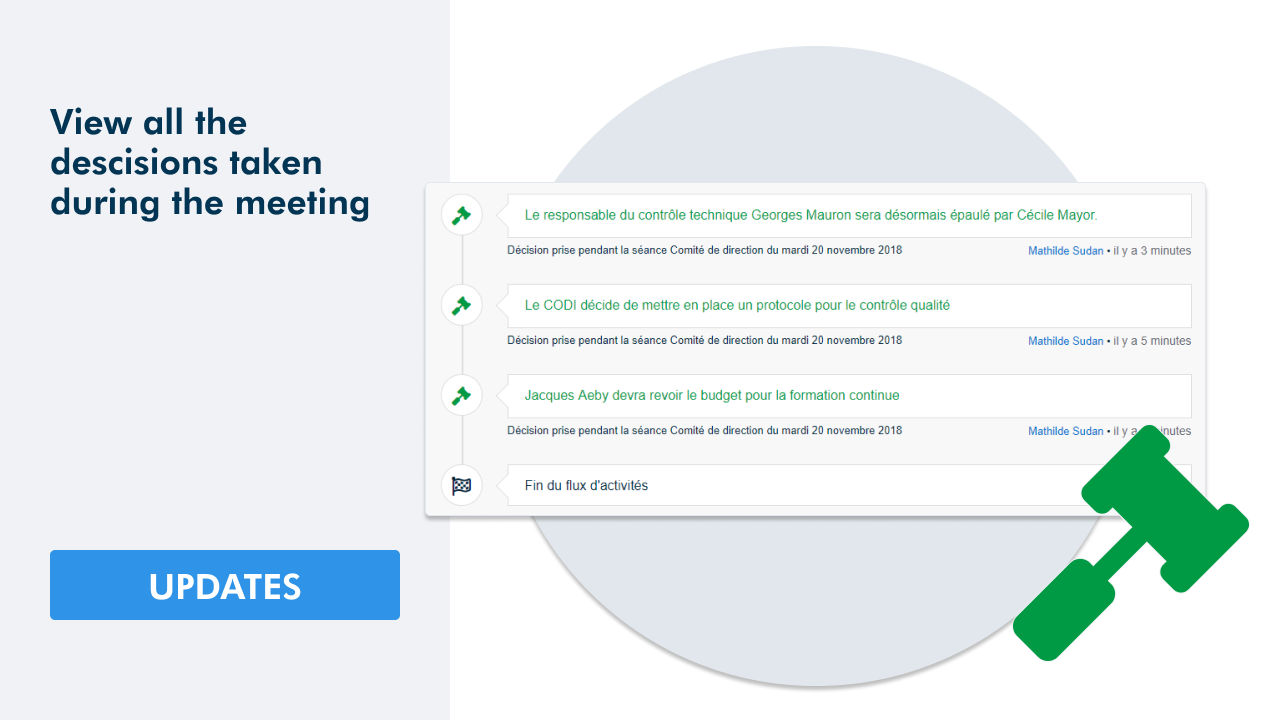
Follow the progress of your decisions
You can visualize the decisions made during meetings in the activity feed.
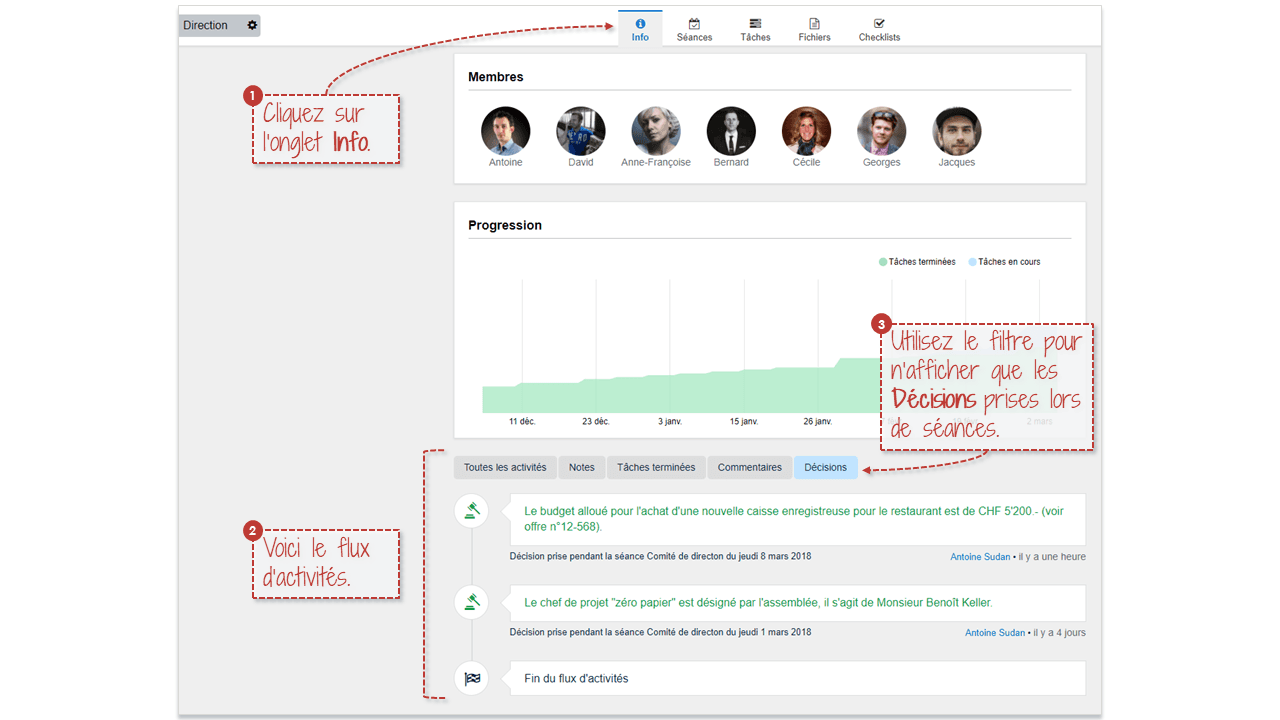
The new version of WEDO allows you to visualize the decisions that were made during a meeting in the activity feed. In each workspace, click the info tab and then select the decisions filter to show all the decisions that were made in chronological order.
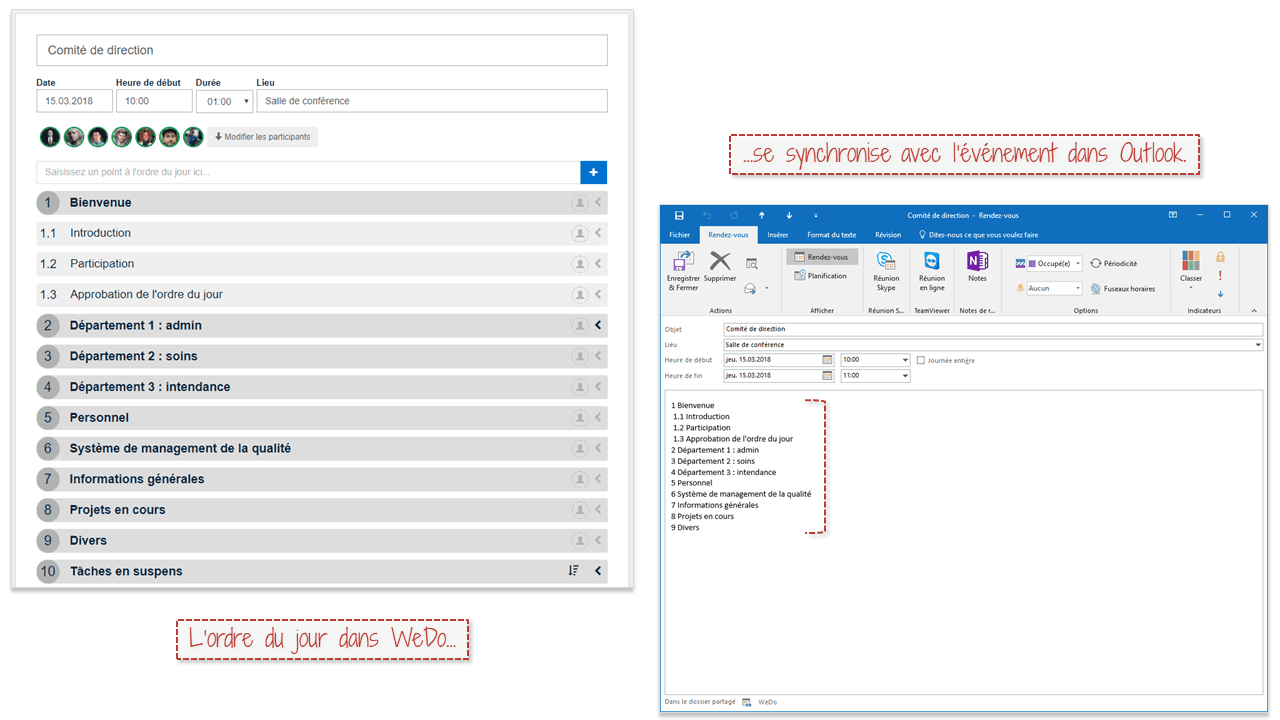
The meeting agenda synchronizes with Outlook events
This patch remedies the problems met with the synchronization of Outlook events. From now on, when you are preparing your meeting agenda in WEDO and you add participants to your meeting, the different participants (who have activated the synchronization with Outlook) will be able to directly consult the meeting agenda in the description of the Outlook event.
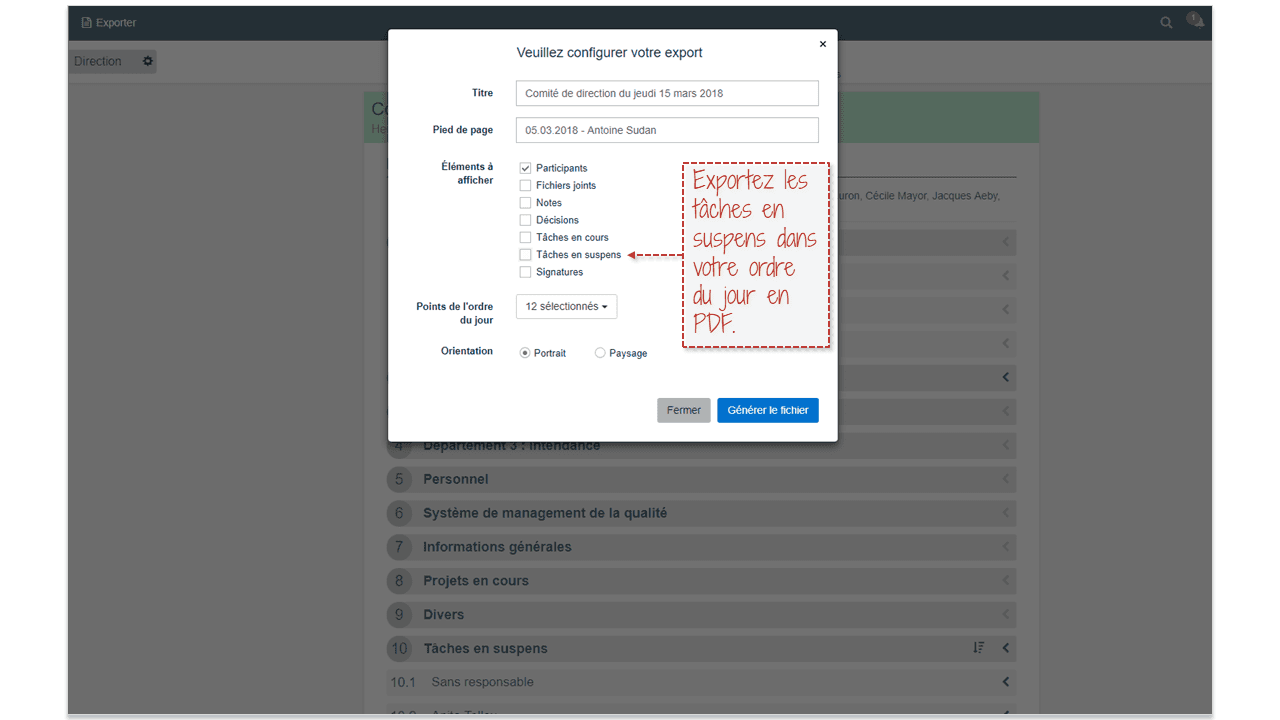
Export pending tasks in the agenda meeting
When you export an agenda meeting into a PDF file, you can now choose to show the pending tasks linked to the different items.
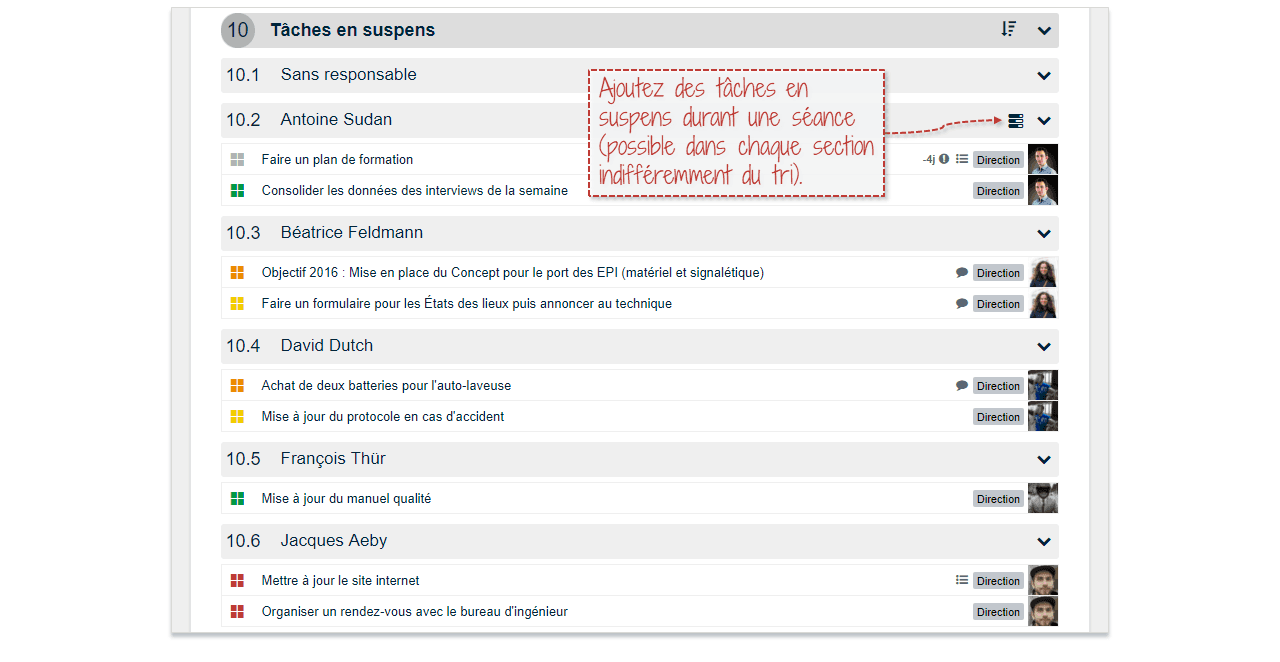
Add tasks to the pending tasks during a meeting
You can now add pending tasks during a meeting (possible in every section). No need to navigate between the Meeting tab and the Tasks tab during a meeting.
Other improvements in this version
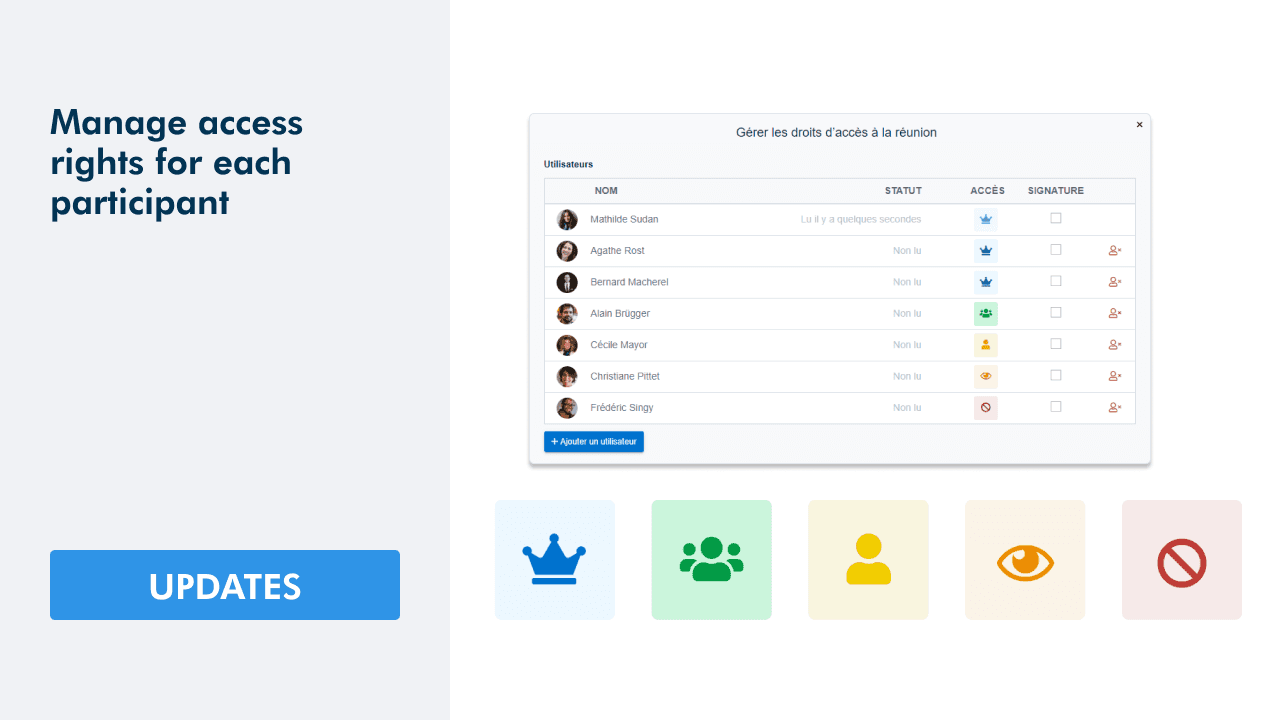
- Implementation of rights of validators during meetings,
- Correction of the recovery of tasks when a search is made,
- Improvement of the message when deleting a point of the meeting agenda,
We can improve our software thanks to your feedbacks. Please do not hesitate to forward us any suggestions or other development ideas.


Struggling to Stay Organized?
WEDO is here to help. Start your free trial now and simplify your work processes! You'll get full access to all features and add-ons for 14 days – invite your team to test it with you!