Next webinar | Ditch the Spreadsheets: Bring Everyone Together and Streamline Your Activities!
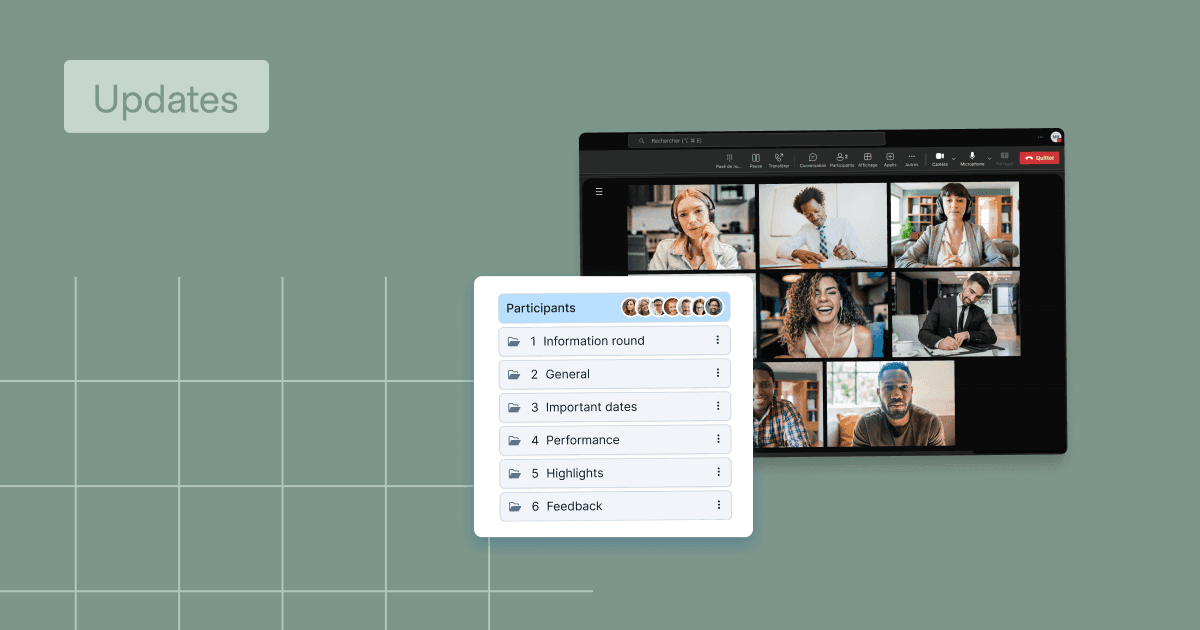
WEDO + Microsoft Teams: What Your Meetings Were Missing
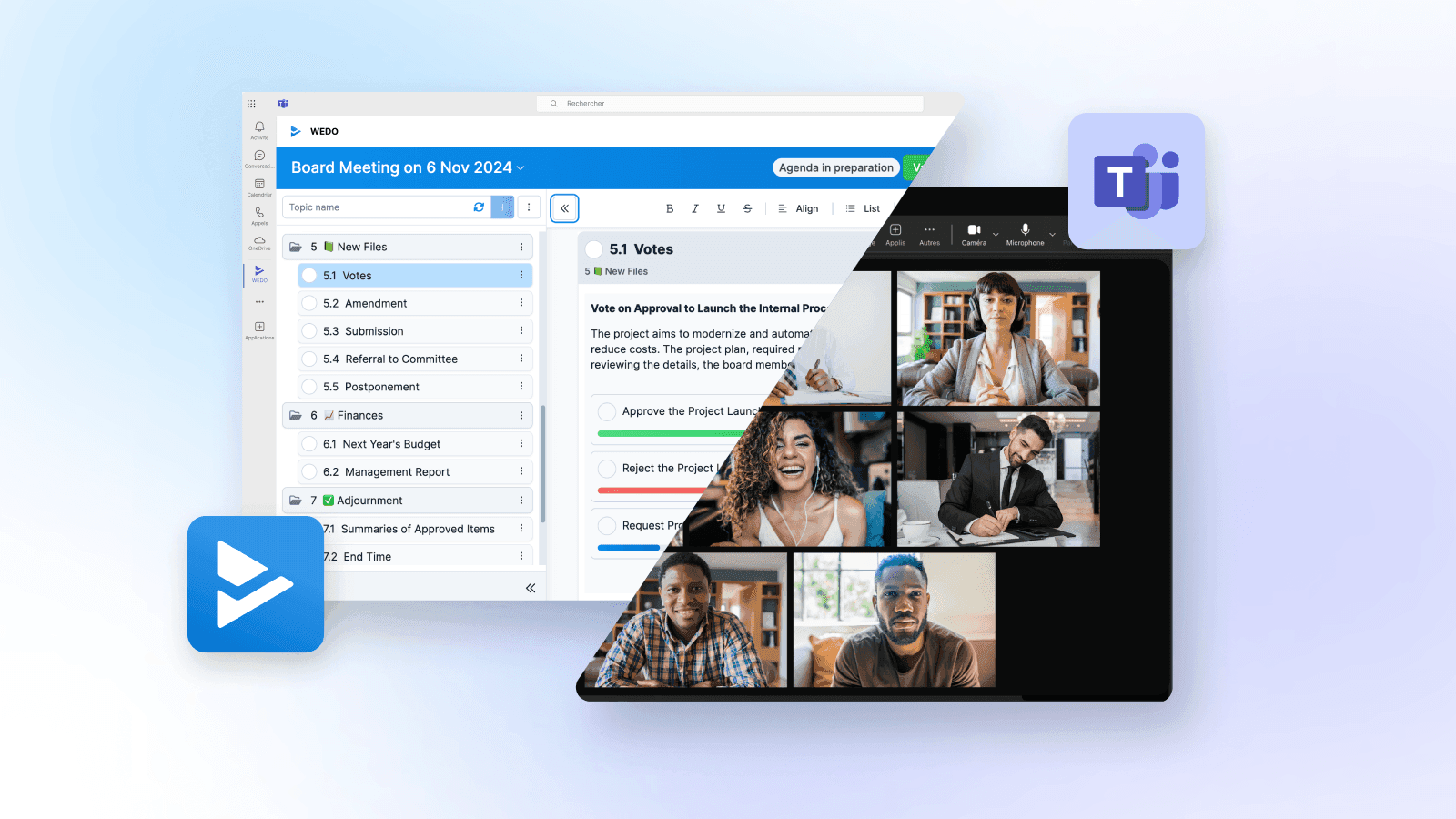
Microsoft Teams has become the default meeting room for many organizations. It’s fast, reliable, and deeply integrated into daily workflows. But it’s not built to manage the full lifecycle of a meeting.
It connects participants in real time, but once the call ends, that connection stops. The agenda, decisions, action items, and shared documents? They live elsewhere. Often in people’s inboxes, personal notes, or not at all.
Teams provides the space to talk. What it doesn’t provide is structure. And without structure, even the most productive conversations can get lost in follow-up.
That’s where WEDO comes in.
By integrating directly into Microsoft Teams, WEDO brings full meeting management into the same space where the meeting takes place. From setting the agenda to assigning tasks and locking the minutes, WEDO turns every meeting into a complete workflow, with nothing falling through the cracks.
WEDO Brings Meeting Structure Into Microsoft Teams
For most teams, the moment a meeting is scheduled in Teams, the scramble begins: backchannel messages, scattered agendas, last-minute doc sharing. People show up uncertain about what’s being discussed or why they’re even in the room.
This kind of disjointed preparation wastes time, drains energy, and turns meetings into something people get through, not something they contribute to.
WEDO changes that without requiring a new system or process. Once added to a Teams workspace, it becomes a tab inside the meeting channel. From there, everything starts to come together.
You don’t need to switch platforms or introduce a new system. Instead, WEDO adds the structure Teams lacks, directly inside the interface your team already uses. From there, you can do everything you need to run an effective meeting:
- Build a shared agenda
- Collect input from attendees
- Attach relevant documents
- Assign roles and clarify objectives
- Launch votes or approval blocks when needed
And none of it happens in a vacuum. Every topic is tracked, every file is in context, and every decision has a place to live, without ever leaving Teams.
This integration allows meetings to move from preparation to execution without breaking flow. No toggling between apps. No chasing files in email threads. Just one workspace where discussion and documentation stay connected.
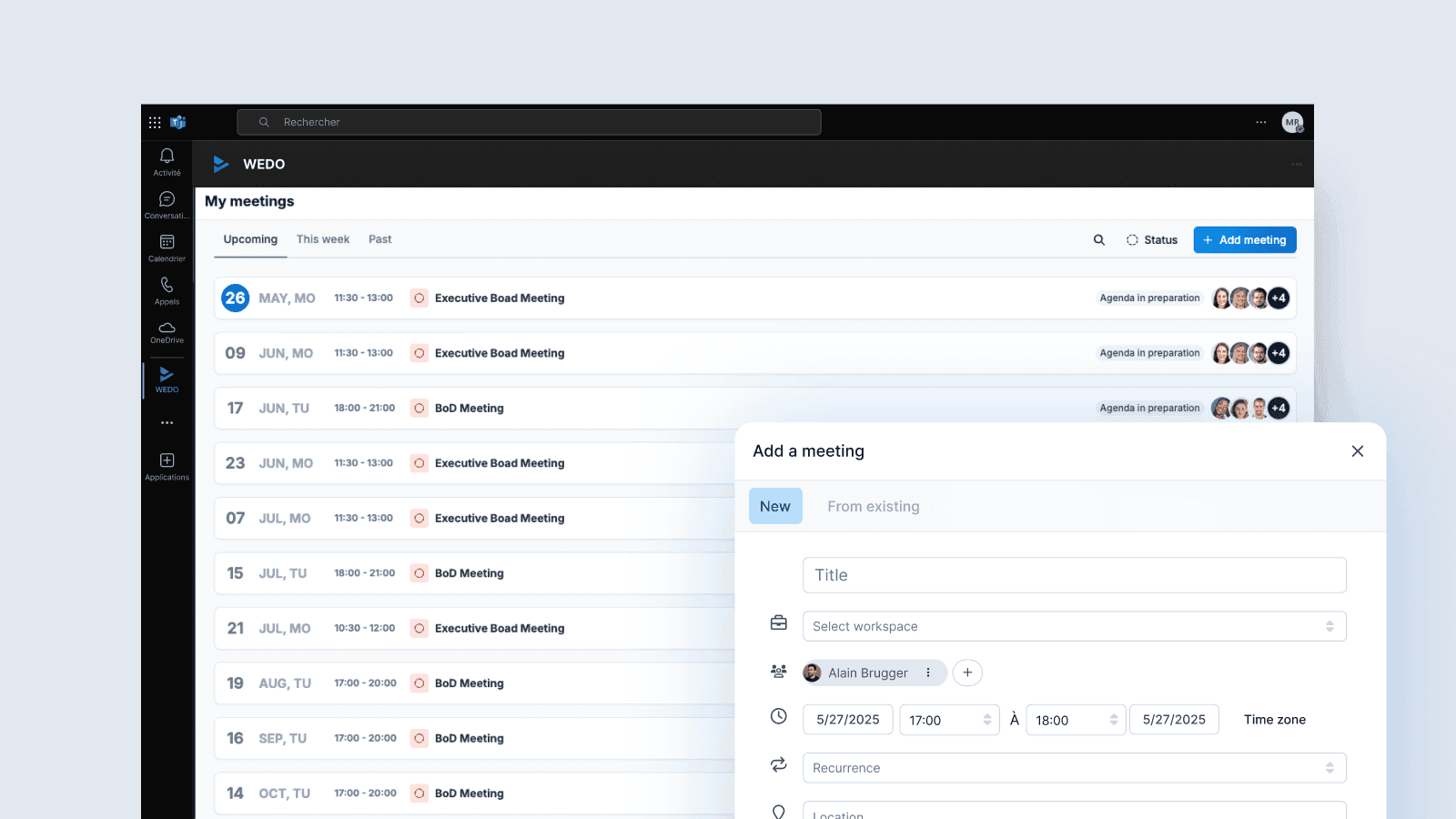
For teams that already rely on Microsoft Teams to collaborate, WEDO fills a very specific and often overlooked gap: it gives the meeting lifecycle a defined start, middle, and end, without needing to leave the environment people are already working in.
Keep the Meeting on Track, and Make It Count
Once the meeting begins, WEDO stays open in the Teams tab, right alongside the call, so everything stays in context. The agenda isn’t something people saw once in a calendar invite. It’s right there, visible and active, guiding the discussion as it unfolds.
As the conversation moves forward, so does the documentation. Notes are written live. Tasks are created in real time, with deadlines and assignees. Decisions are recorded directly under the item they relate to.
This kind of live collaboration creates clarity in the moment. No one’s wondering what was said or who’s responsible for what. And if alignment is needed on the spot, voting blocks allow participants to weigh in and move forward without delays or email follow-ups.
The collaboration feels natural because it’s happening where the conversation is happening, in the same interface, with the same people, in real time.
WEDO makes meetings easier to follow while they’re happening, not just easier to summarize afterward. Which means less confusion, fewer follow-ups, and more time spent moving work forward instead of revisiting what was already covered.
After the Call Ends, the Work Continues
The real test of a meeting isn’t how much was discussed, it’s what happens after.
Without structure, even productive conversations lose momentum. Tasks get forgotten. Decisions blur. The same topics resurface week after week, because no one can find the original context.
WEDO closes that loop, still inside Teams.
Once the meeting ends, every task, note, decision, and document stays exactly where it belongs. Meeting minutes aren’t buried in a shared drive or manually rewritten after the fact, they’re already done. You can lock the report to preserve its integrity, and request electronic signatures directly from within the platform, whether you need SES, AES, or qualified signatures with legal weight.
Tasks remain connected to the specific agenda item they came from. If someone needs to review why a decision was made, they don’t have to guess. They can open the meeting, find the topic, see the discussion, and track the resulting action, all without leaving Teams.
That kind of traceability builds accountability. People know what they’re responsible for. Nothing slips through the cracks. And when you come back to the next meeting, the conversation can move forward instead of starting over.
WEDO makes that continuity automatic. The meeting doesn’t disappear once the call ends. It becomes part of a living record the whole team can rely on.
Control, Privacy, and a Clear Line of Ownership
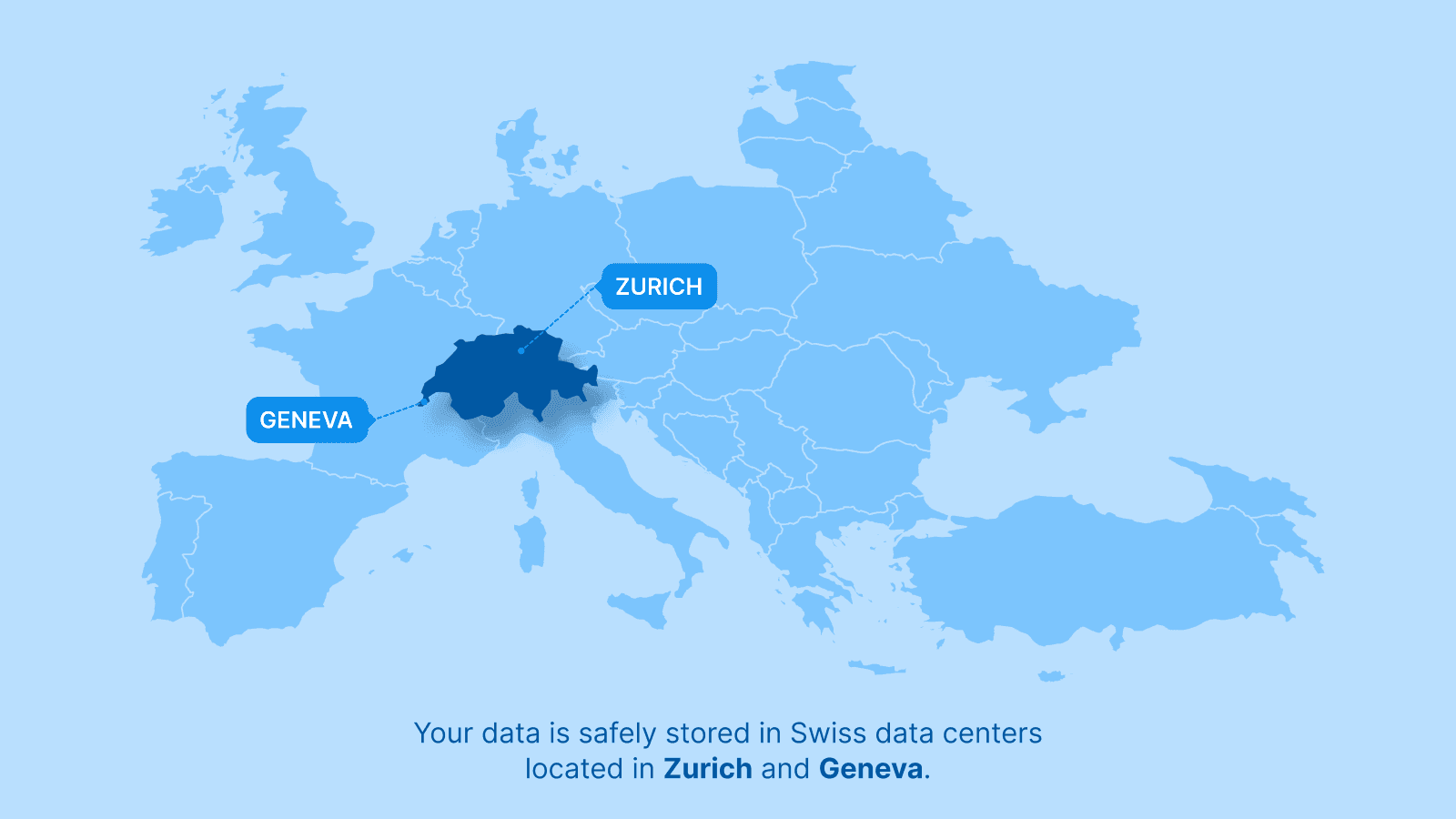
Bringing WEDO into Microsoft Teams does more than streamline your meetings. It reinforces trust in how your information is handled.
Even while operating within the Teams interface, WEDO keeps all meeting data, like notes, documents, tasks, and decisions, under its own roof. Content is stored securely on servers located in Switzerland, where it remains subject to WEDO’s strict data protection policies and your organization’s governance standards. No data is shared with Microsoft. No content is duplicated or processed outside the WEDO environment.
This separation is important. Many collaboration tools prioritize integration at the expense of ownership, but WEDO takes the opposite approach. It offers full interoperability with Microsoft Teams without relinquishing control over your content. That means you can collaborate in real time without compromising on confidentiality, data residency, or compliance.
For organizations working in sensitive environments, whether legal, financial, public sector, or research-focused, knowing exactly where information is stored, who can access it, and how long it’s retained isn’t a preference. It’s a requirement.
WEDO helps you meet that requirement without extra complexity. Meeting content stays visible and accessible to the right people while remaining protected and centralized under one secure system. Teams provides the space for discussion. WEDO ensures the record is complete, accurate, and entirely yours.
The Meeting Space Is Only Half the Equation
Microsoft Teams gives you a place to talk. WEDO gives you the structure to make it count.
From preparation to follow-up, WEDO fills the operational gaps that Teams doesn’t address. Agendas stay visible, decisions are documented in real time, and tasks remain tied to the conversations that created them. Everything lives in one place, connected to the meeting, and accessible to the people who need it.
And because WEDO keeps your data under your control, you can collaborate with confidence, without compromising on ownership, privacy, or clarity.
If your team already runs on Microsoft Teams, WEDO doesn’t ask you to change how you work. It simply makes every meeting easier to run, easier to track, and harder to forget.Try WEDO for free today and turn every meeting into something you can build on.


Struggling to Stay Organized?
WEDO is here to help. Start your free trial now and simplify your work processes! You'll get full access to all features and add-ons for 14 days – invite your team to test it with you!